R for
GIS
BayGeo, Spring
2024
Importing and Plotting Vector Data
Importing and Plotting Vector Data

sf functionsst_)|> pipe friendly!
st_read():source - shp filename
layer - can be omitted
## Reading layer `yose_boundary' from data source `D:\Workshops\R-Spatial\rspatial_mod\outputs\rspatial_bgs24\exercises\data' using driver `ESRI Shapefile'
## Simple feature collection with 1 feature and 11 fields
## Geometry type: POLYGON
## Dimension:     XY
## Bounding box:  xmin: -119.8864 ymin: 37.4947 xmax: -119.1964 ymax: 38.18515
## Geodetic CRS:  North_American_Datum_1983
## Simple feature collection with 1 feature and 11 fields
## Geometry type: POLYGON
## Dimension:     XY
## Bounding box:  xmin: -119.8864 ymin: 37.4947 xmax: -119.1964 ymax: 38.18515
## Geodetic CRS:  North_American_Datum_1983
##   UNIT_CODE                                                                           GIS_NOTES              UNIT_NAME  DATE_EDIT STATE REGION GNIS_ID
## 1      YOSE Lands - http://landsnet.nps.gov/tractsnet/documents/YOSE/METADATA/yose_metadata.xml Yosemite National Park 2016-01-27    CA     PW  255923
##       UNIT_TYPE CREATED_BY                                               METADATA PARKNAME                       geometry
## 1 National Park      Lands http://nrdata.nps.gov/programs/Lands/YOSE_METADATA.xml Yosemite POLYGON ((-119.8456 37.8327...
st_read()
(at least not on Windows). Unzip it first then import the
doc.kml filest_read() can not currently import the attribute table
from a kml file on Windows (more
info)st_read():source - kml filename
layer - name of a layer (required)
st_read():source - geojson filename
layer - named layer (optional if only 1 layer exists)
st_read():source - folder containing the geodatabase
layer - named layer (required)

GeoPackage is a relatively new open format for geospatial data. It is similar to a file geodatabase in that:
The GeoPackage is different from a file geodatabase in that GeoPackages are:
st_read():
source - .gpkg filename
layer - named layer (required)
SpatiaLite - see RSQLite.spatialite
The workshop datasets descriptions includes sample import code for most of the layers.
To plot just the geometry of a sf object (i.e., no symbology from the
attribute table), use st_geometry():
yose_bnd_ll <- st_read(dsn="./data", layer="yose_boundary", quiet=TRUE)

## Plot the geometry (outline) of the Yosemite boundary
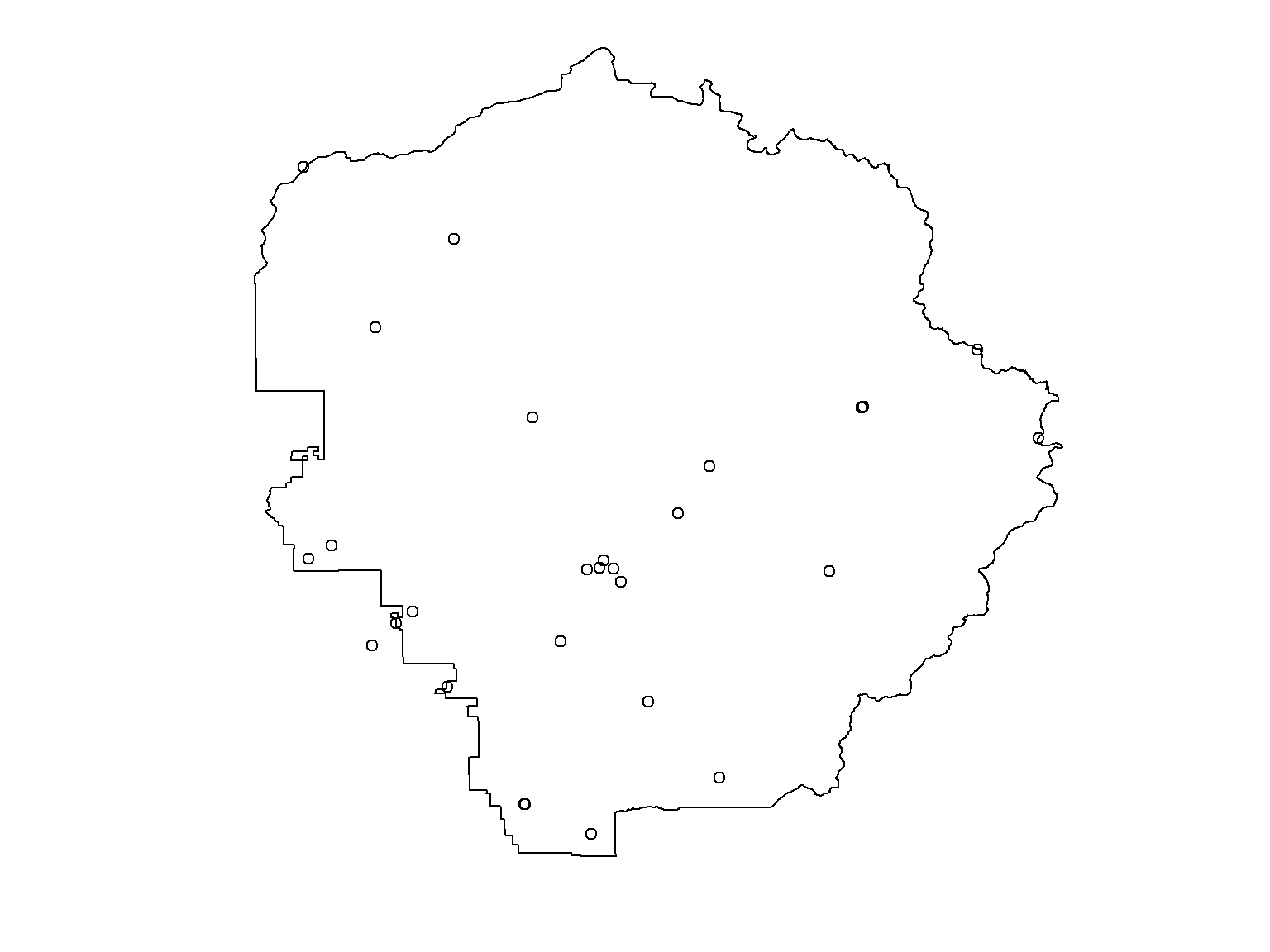
plot(yose_bnd_ll |> st_geometry(), asp=1)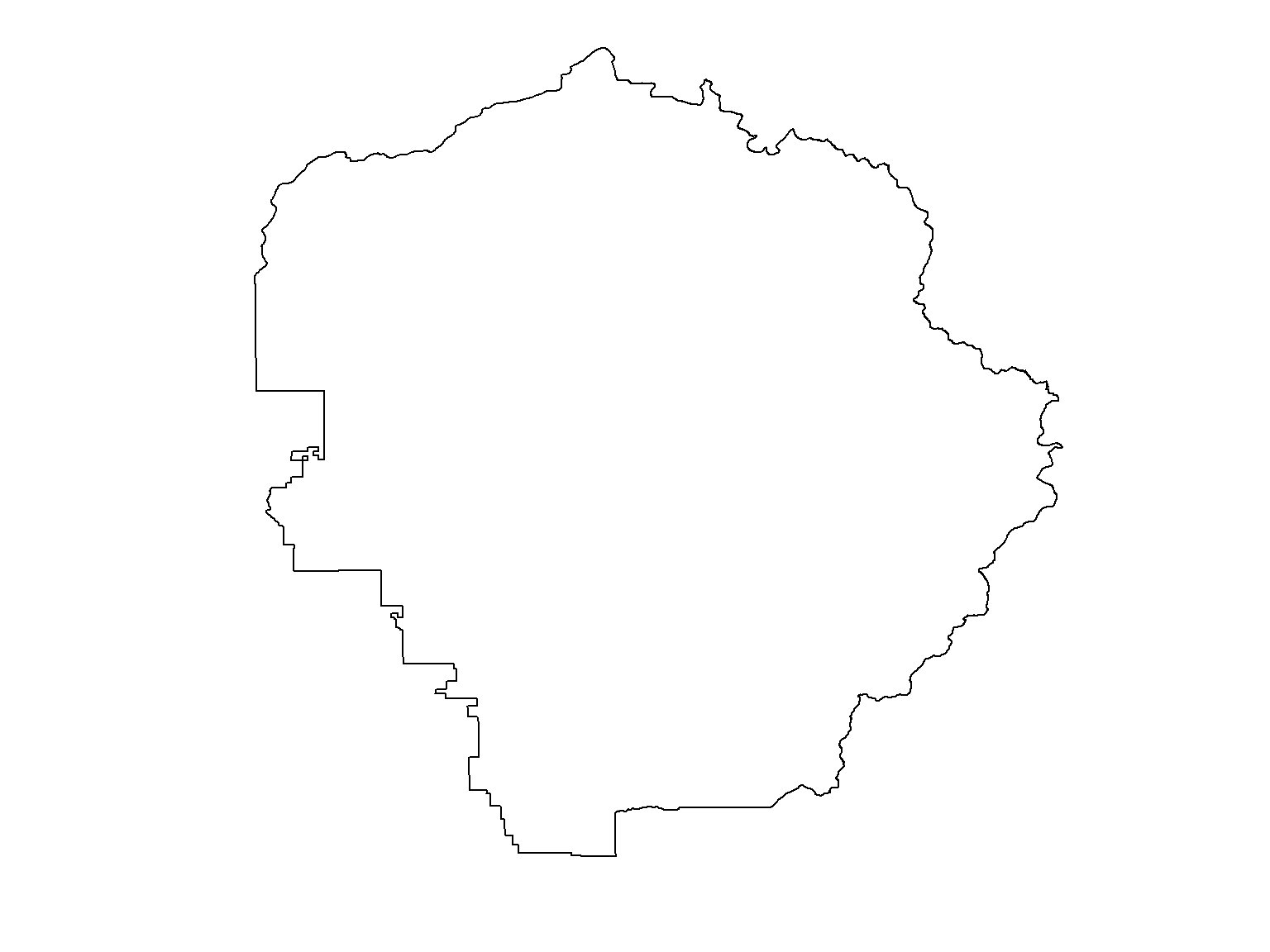
We add |> st_geometry() to indicate we want to plot
the polygon with a single color/fill (more on that later).
The asp=1 argument sets the aspect ratio. It is optional
but generally a good idea for spatial data.
To overlay more than one layer on a plot:
plot() does not reproject on the fly)add=TRUE to the second (and
all subsequent) plot() statementsR Notebooks are written in “R Markdown”, which combines text and R code.
.png)
.png)
.png)
.png)
.png)
.png)
.png)
.png)
.png)